
October 23, 2026
The Friday Five
The Friday Five October 23, 2026 Happy Friday, Cabarrus County Schools families! A reminder as you plan for the coming weeks: Tuesday, Nov. 3, is a teacher workday, and students at our traditional ...


OVERVIEW | FAQs | RESOURCES
DIRECTORY | CLUBS | GROUPS
DIRECTORY | FORMS | LINKS
Looking for an administrator, teacher, or staff member?
Use our Campus Directory to find names, roles, and contact details for everyone on campus.
Popular Student Links
Cabarrus County Schools is pleased to offer Linq Connect - an online platform to make meal payments and view school menus. Use the buttons below to make a payment, explore menus, and learn more.
Make A Payment View School Menus Why Pay Online Payment Options Payment Policy
You may pay your student class fee, instructional supply fee, and other school related fees through K12 payment center. This is not where you pay for meals.
To make a fee payment online.
Attendance is the leading indicator of your child’s lifelong success
Every day counts! We care that every student shows up to school, all day every day. Cabarrus County Schools is committed to working with families to ensure that every student attends school regularly and achieves their full potential. By prioritizing attendance, we can create a brighter future for all our students.
Visit the Cabarrus County Schools Driver Education Website
How to Register for Driver’s Education
How to Request Your NC Eligibility Certificate for the DMV
The Infinite Campus Parent Portal gives parents and guardians secure, real-time access to important information about their student, including grades, attendance, assignments, and more. If you do not already have an account, you can find step-by-step instructions on how to create an account, log in, and access the portal in the link below.
Parents may also download the Infinite Campus Parent Portal mobile app (available on the Apple App Store and Google Play) for quick and convenient access on the go.
We use ParentSquare for school communication, primarily with email, text and app notifications which allows district, school administrators and teachers to more effectively communicate and engage with families and students. ParentSquare automatically generates an account for each parent using their preferred email address and phone number.
We encourage parents to access their accounts so they can download the mobile app and update their preferences, including when and how they receive notifications.
ParentSquare is a safe, secure, and modern approach to communication and collaboration between school and home. Learn more about ParentSquare.
Download the ParentSquare App


Edulog is an app that lets parents view the location of their student's school bus to gauge arrival times each day. The app sends a push notification to the parent's smartphone when the bus enters a user-defined geographic area around the stop. Parents only receive access by registering with data unique to their child. It's all information to help parents feel secure about their child's trip on the school bus!
Watch a YouTube explainer video about Edulog
Visit the CCS Transportation page to read more about Edulog
Download the Edulog Bus App
Cabarrus County Schools offers a secure website for students, former students and third-party agencies to request transcripts and student records online.
Records are only available to those who have authorization from the student or parent, guardian or responsible person if the student is less than 18 years of age.
October 23, 2026
The Friday Five October 23, 2026 Happy Friday, Cabarrus County Schools families! A reminder as you plan for the coming weeks: Tuesday, Nov. 3, is a teacher workday, and students at our traditional ...
October 21, 2026
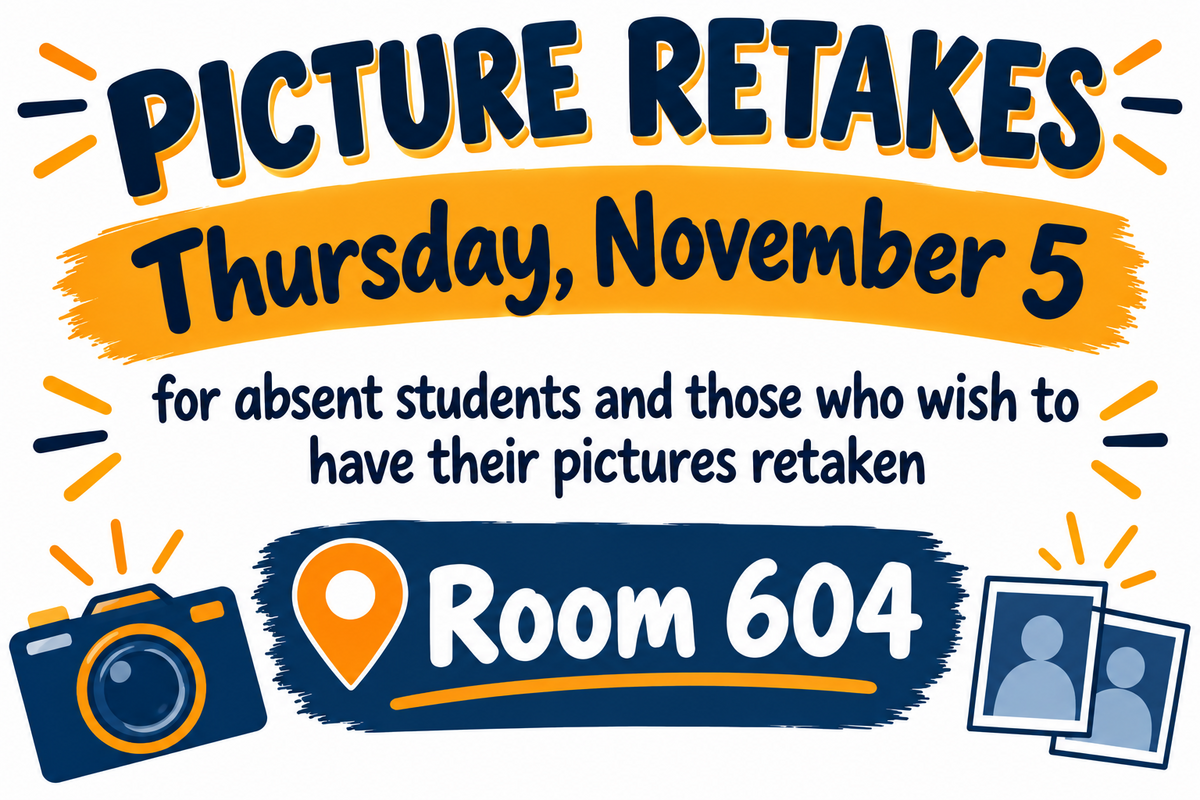
Picture retakes will be held in room 604 for students who were absent on picture day or would like to have their pictures retaken.
October 20, 2026
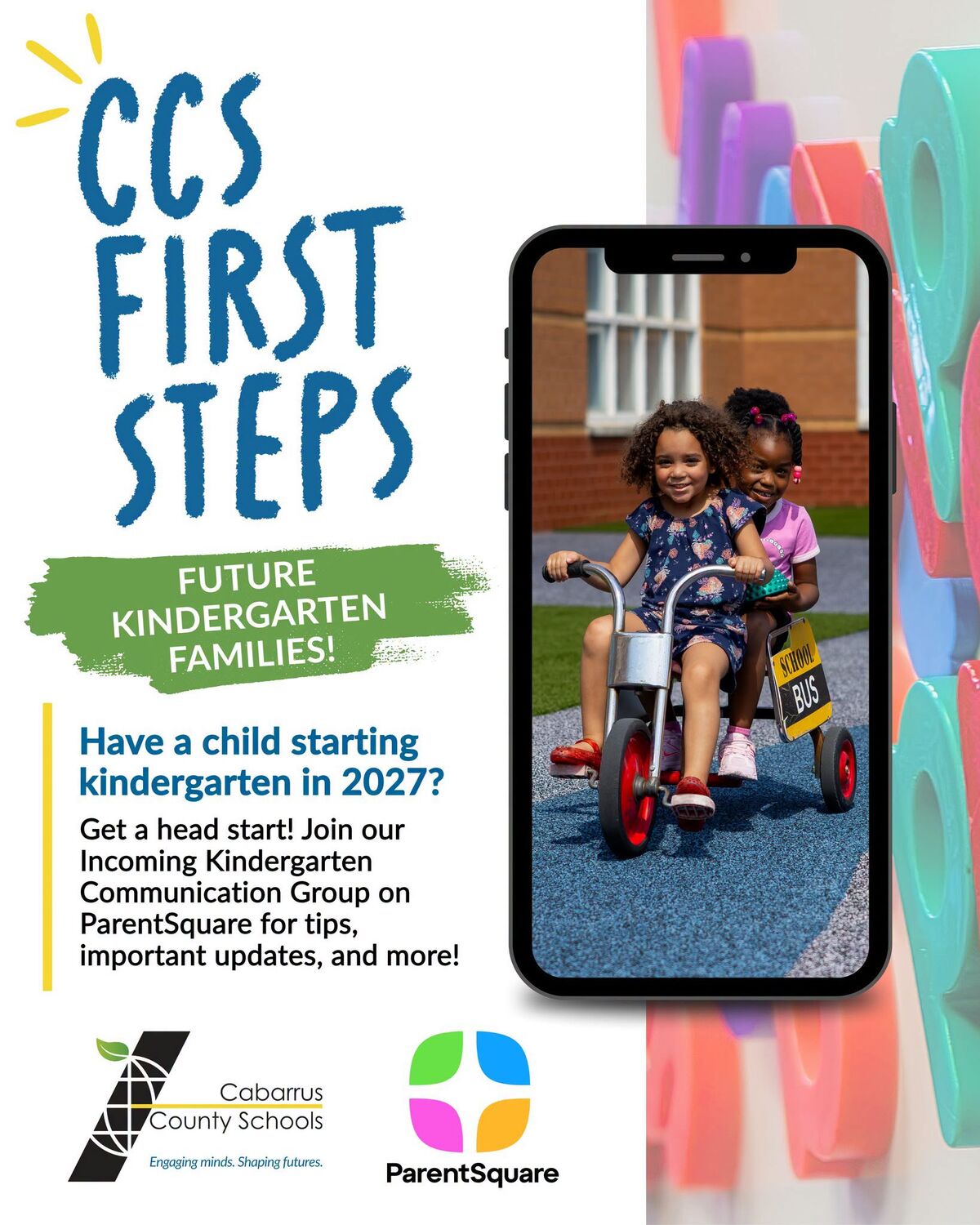
Big beginnings start with first steps!Have a future CCS kindergartener starting in Fall 2027? This is for YOU! Join our Incoming Kindergarten Communication Group on ParentSquare to stay connected a...

October 16, 2026
The Friday Five October 16, 2026 Happy Friday, Cabarrus County Schools families! Good afternoon! Thanks to everyone who was able to attend our Futures Fair this past Tuesday! Your continued support...
October 15, 2026
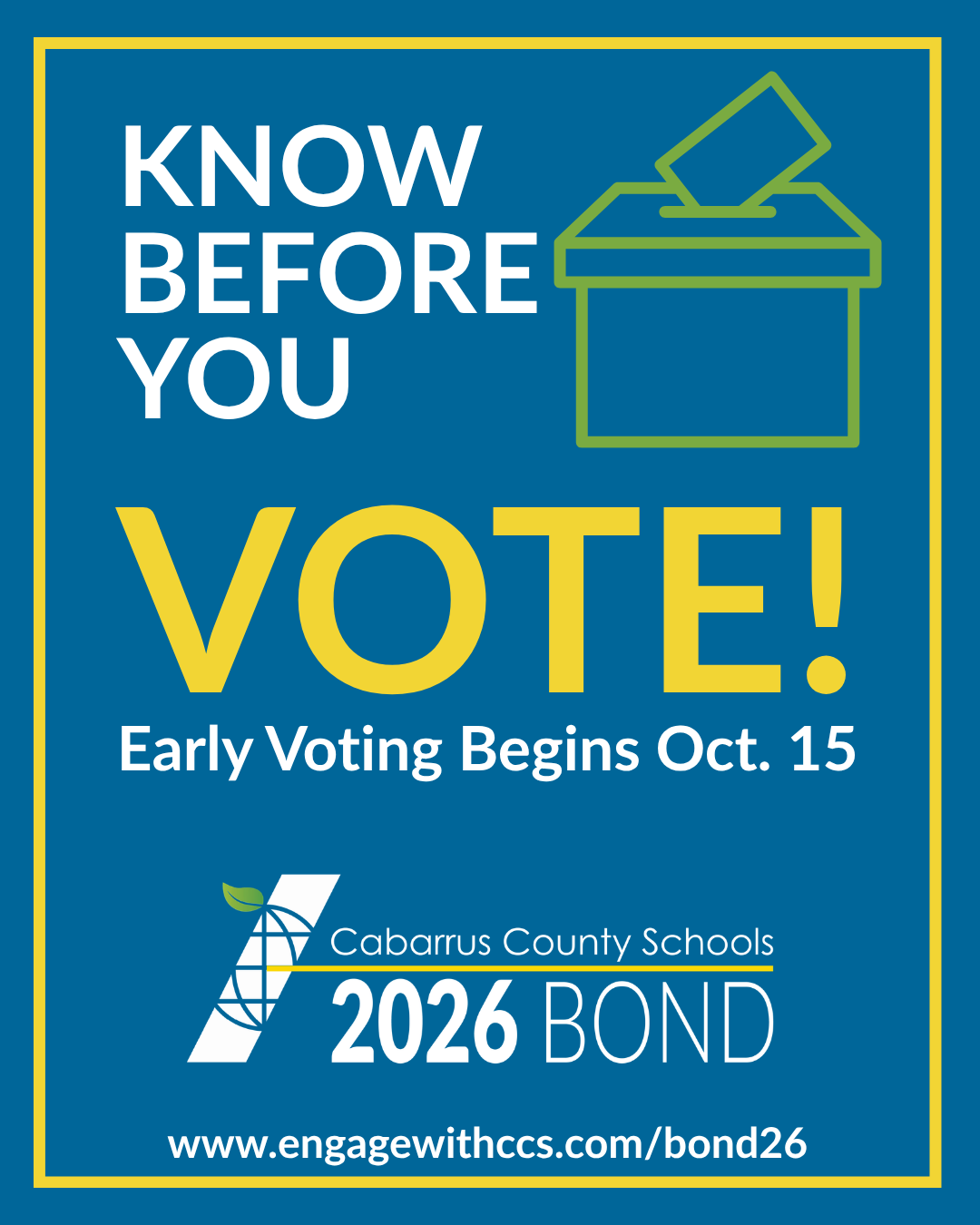
Know before you vote!Early voting for the November 3 general election begins today, Thursday, October 15. Cabarrus County voters will also consider a proposed $340 million school bond referendum fo...
October 12, 2026
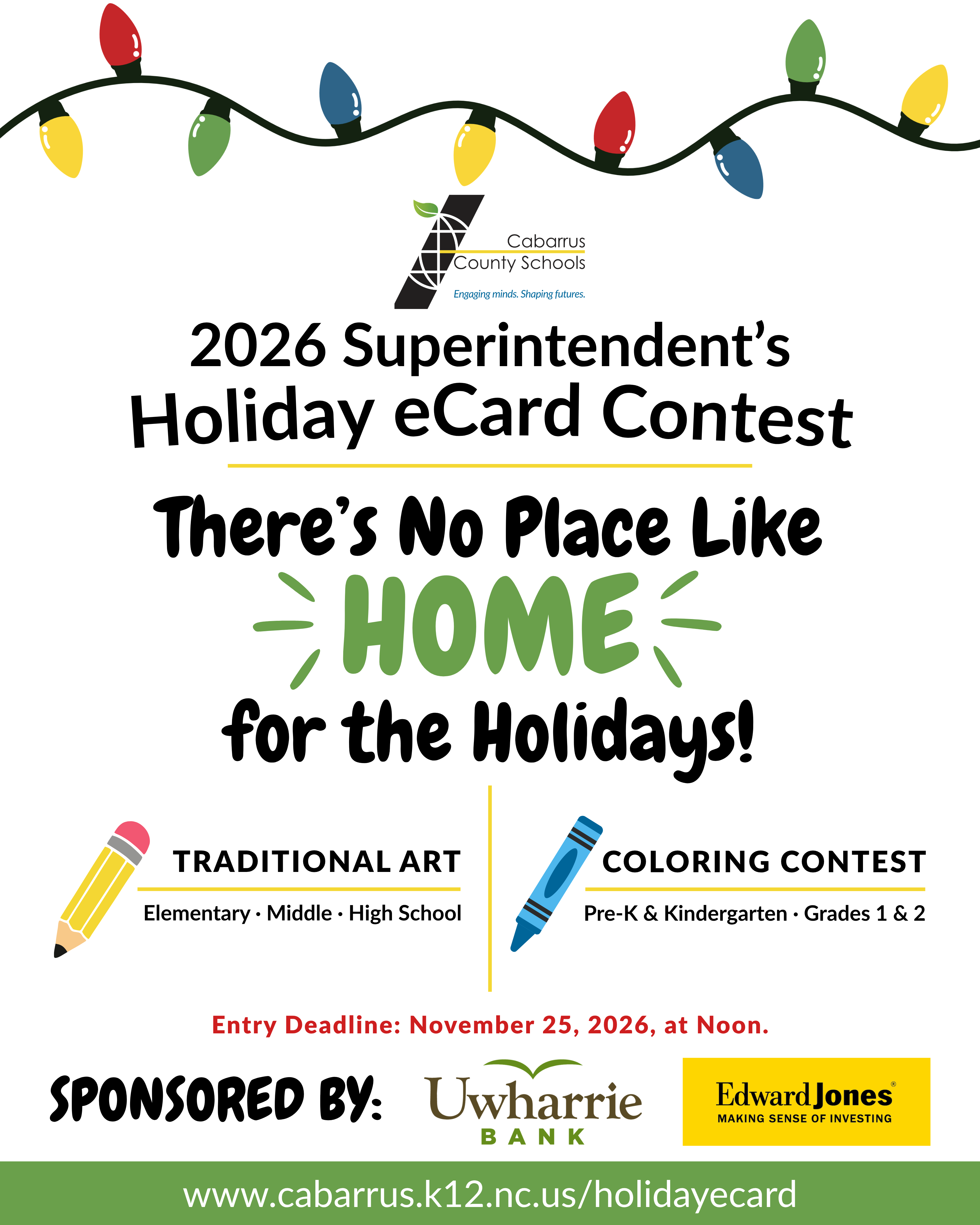
Calling all CCS student artists! The 2026 Superintendent’s Holiday eCard Contest is officially open! This year’s theme is “There’s No Place Like Home for the Holidays!” Six winners will have their ...

October 9, 2026
The Friday Five October 9, 2026 Happy Friday, Cabarrus County Schools families! Good afternoon! We've reached the end of the first quarter. For those counting, there's only 133 more student days re...

October 8, 2026
HEY TROJAN NATION! LISTEN UP!Something DELICIOUS is coming your way—and we’re not talking about cafeteria food!The PTSO Butter Braids Fundraiser kicks off THIS FRIDAY, October 9!If you’ve never had...


Address:
5130 NW Cabarrus Drive | Concord, NC 28027
Phone: (704) 260-6720
Fax: (704) 260-6749
School Hours: 7:15 AM – 2:15 PM